Update Factory Platform
We provide an overview of the various services of the Update Factory Platform.
From the user perspective, main components are:
- Management UI: the web user interface where the user manages devices, artifacts and metadata
- Update Server: the backend that the devices interact with using either the UF Android Service or Linux client
Platform URLs
The Update Factory platform is available at different URLs, depending on the Tier.
Note
All hosts used by the Update Factory Platform services match the *.updatefactory.io wildcard DNS record. This is useful to whitelist the Update Factory Platform services, in case a device is connected to a network that has some outbound connection filters.
Business and Personal Tiers
The PoC, Expansion and Commercial pricing plans are part of the Business Tier.
The Free and Development pricing plans are part of the Personal Tier.
Select your tier to consult the corresponding URLs:
- https://ui.business.updatefactory.io/: Update Factory Management UI web application
- https://changepassword.business.updatefactory.io/: Update Factory change password web page
-
https://ddi.business.updatefactory.io: Update Factory endpoint for devices using DDI APIWarning
- UF Android Service ≥ v1.6.0 automatically redirects DDI requests from legacy
https://business.updatefactory.ioendpoint tohttps://ddi.business.updatefactory.io
We recommend using explicitlyhttps://ddi.business.updatefactory.iowhenever UF Android Service ≥ v1.6.0 is used. - devices with UF Android Service < v1.6.0 should always use legacy
https://business.updatefactory.iofor DDI requests - devices using SWUpdate or other clients should use
https://ddi.business.updatefactory.io
- UF Android Service ≥ v1.6.0 automatically redirects DDI requests from legacy
-
https://mgmt.business.updatefactory.io: Update Factory endpoint for Management API https://cdn.business.updatefactory.io: Content Delivery Network used by devices to download the updates
- https://ui.personal.updatefactory.io/: Update Factory Management UI web application
- https://changepassword.personal.updatefactory.io/: Update Factory change password web page
-
https://ddi.personal.updatefactory.io: Update Factory endpoint for devices using DDI APIWarning
- UF Android Service ≥ v1.6.0 automatically redirects DDI requests from legacy
https://personal.updatefactory.ioendpoint tohttps://ddi.personal.updatefactory.io
We recommend using explicitlyhttps://ddi.personal.updatefactory.iowhenever UF Android Service ≥ v1.6.0 is used. - devices with UF Android Service < v1.6.0 should always use legacy
https://personal.updatefactory.iofor DDI requests - devices using SWUpdate or other clients should use
https://ddi.personal.updatefactory.io
- UF Android Service ≥ v1.6.0 automatically redirects DDI requests from legacy
-
https://mgmt.personal.updatefactory.io: Update Factory endpoint for Management API https://cdn.personal.updatefactory.io: Content Delivery Network used by devices to download the updates
Platform monitoring
Status page
To monitor the state of Update Factory services please visit:
https://status.updatefactory.io/
Health endpoints
Endpoints are available to Update Factory customers that want to monitor the Management UI, the Management API, and the device DDI API health. Contact us to request the health endpoints details.
Authentication
Web Dashboard
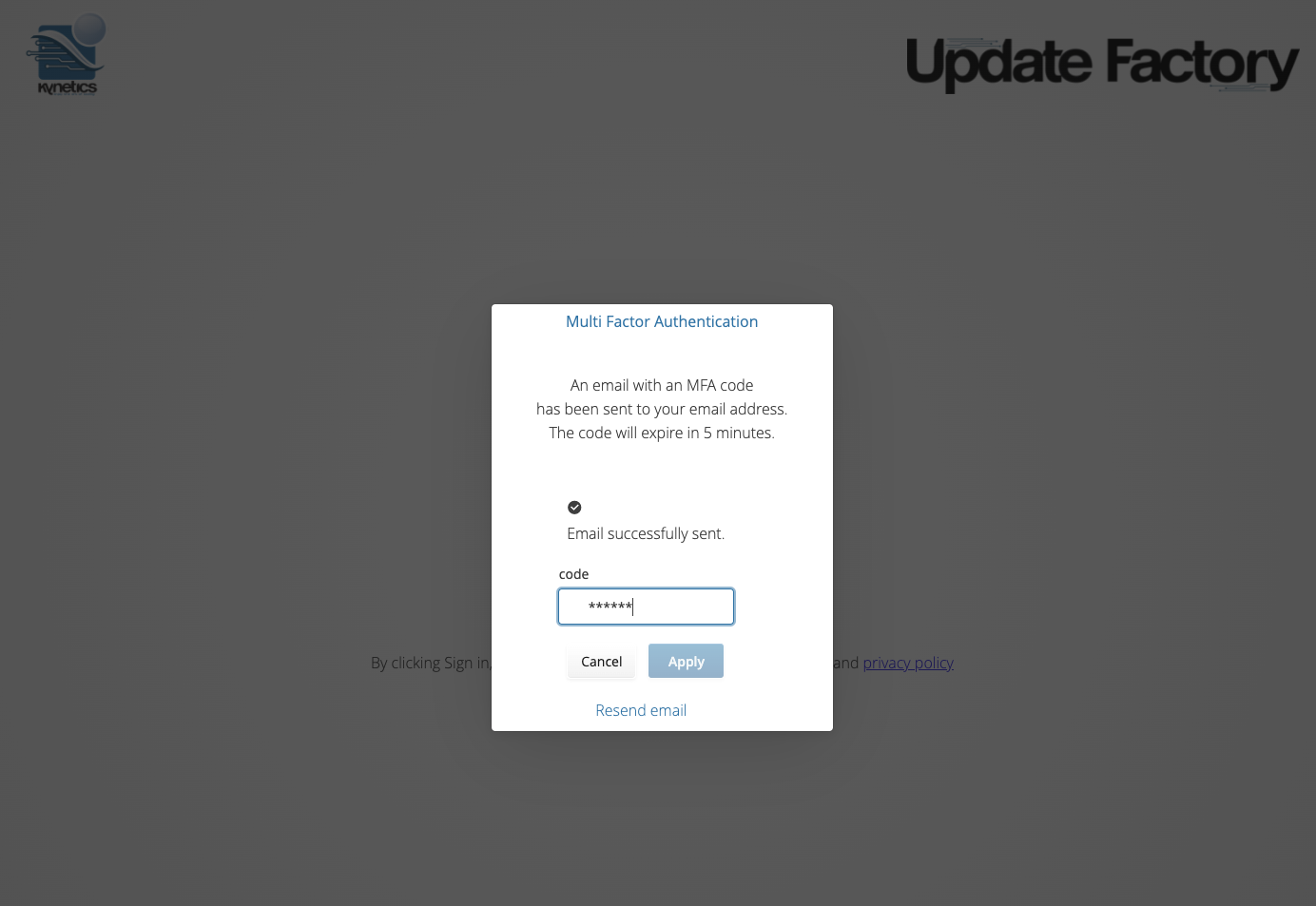
To access the Web Dashboard, is required Multi-Factor Authentication. The system will email the registered user with a six-digit code. The code will be required by the login process to be completed.
Management API
Management API allow to manage all Update Factory operations using HTTP REST APIs.
Two authentication methods are available: Basic Authentication (username/password) and Bearer Token (OAuth 2 client credentials).
Basic Authentication
If you use the Update Factory Management API, a separate dedicated account must be created which does not require MFA. Authentication for Management API works with the usual standard HTTPS basic authentication. Permissions granularity for the Management API can be tuned on demand by the Update Factory team upon Customer security requirements.
As a quick example, once you've obtained your Management API credentials, you can get the list of target devices using:
curl -u 'TENANT\user:password' -s -X GET 'https://mgmt.business.updatefactory.io/rest/v1/targets'
Info
If you try to contact a Management API endpoint using expired credentials, you will get a 401 Unauthorized error with the message Password has expired.
You will then need to change your password through the Change Password service.
Bearer Token (OAuth 2 client credentials)
API clients provided by Kynetics can be used to obtain short-lived Bearer tokens for programmatic access to the Management API. This method is suited for automation scripts and CI/CD pipelines.
To request an API client or manage existing ones (rotation, revocation), please open us a ticket.
Obtaining a token
Exchange client credentials for a Bearer token at the token endpoint:
curl -s -X POST 'https://mgmt.business.updatefactory.io/rest/v1/tenants/{tenant}/oauth2/token' \
  -H 'Authorization: Basic <credentials>' \
  -H 'Content-Type: application/x-www-form-urlencoded'
The Authorization header uses Basic authentication where <credentials> is the base64-encoded string client_name:client_secret:
# Encode client_name:client_secret in base64
CREDENTIALS=$(echo -n 'your-api-client:your-client-secret' | base64)

curl -s -X POST 'https://mgmt.business.updatefactory.io/rest/v1/tenants/MY_TENANT/oauth2/token' \
  -H "Authorization: Basic $CREDENTIALS"
Response:
{
  "access_token": "ory_at_...",
  "token_type": "bearer",
  "expires_in": 3600
}
The token is opaque with a fixed lifetime of 1 hour.
Error responses:
| Status | Condition |
|---|---|
400 |
Invalid or malformed Authorization header |
401 |
Unknown client or invalid/revoked client_secret |
403 |
Client has expired |
Using the token
Include the token in subsequent Management API requests via the Authorization: Bearer header:
curl -s -X GET 'https://mgmt.business.updatefactory.io/rest/v1/targets' \
  -H 'Authorization: Bearer ory_at_...'
Example script for token retrieval and usage
An example script was created to provide an example of the retrieval and usage of the bearer token. The script is publicly available in this GitHub repo.
The script exchanges API Client credentials for a Bearer token, then uses the token to authenticate a Management API call. Usage:
python3 validate_bearer_token.py
  --mgmt-url https://mgmt.business.updatefactory.io
  --tenant MY_TENANT
  --client-name my-api-client
  --client-secret my-client-secret